 11/11/2026During tutor time in November, students have been busy creating paper poppies in preparation for our House Captains and Prefects to create beautiful and meaningful remembrance wreaths.
The art room was a hive of activity on Monday lunchtime as staff and students worked together to produce a wreath for each House.
#ProudToAchieve #ProudToBelong
- Home
- Attendance
- Report a child's absence
Report a child's absence
To report your child absent, please notify us using our Studybugs reporting system.
You must report the absence for each and every day your child is unwell.
To ensure absences are recorded promptly and accurately all absence notifications must be submitted through Studybugs by 8.30am.
Please do not email tutors directly, as this can delay the information reaching the attendance team.
Please note:
- If we have not received notification of an absence, a truancy message will be sent to you to confirm your child’s whereabouts.
- Work is not sent home during periods of absence, though some resources may be available on Google Classroom.
- When students return to school, it is their responsibility to meet with all the subject teachers to catch up on any missed classwork and home study.
USING STUDYBUGS TO REPORT AN ABSENCE
Please choose one of the following three options (you do not need to do all three):
- Click the banner at the top of this page, or
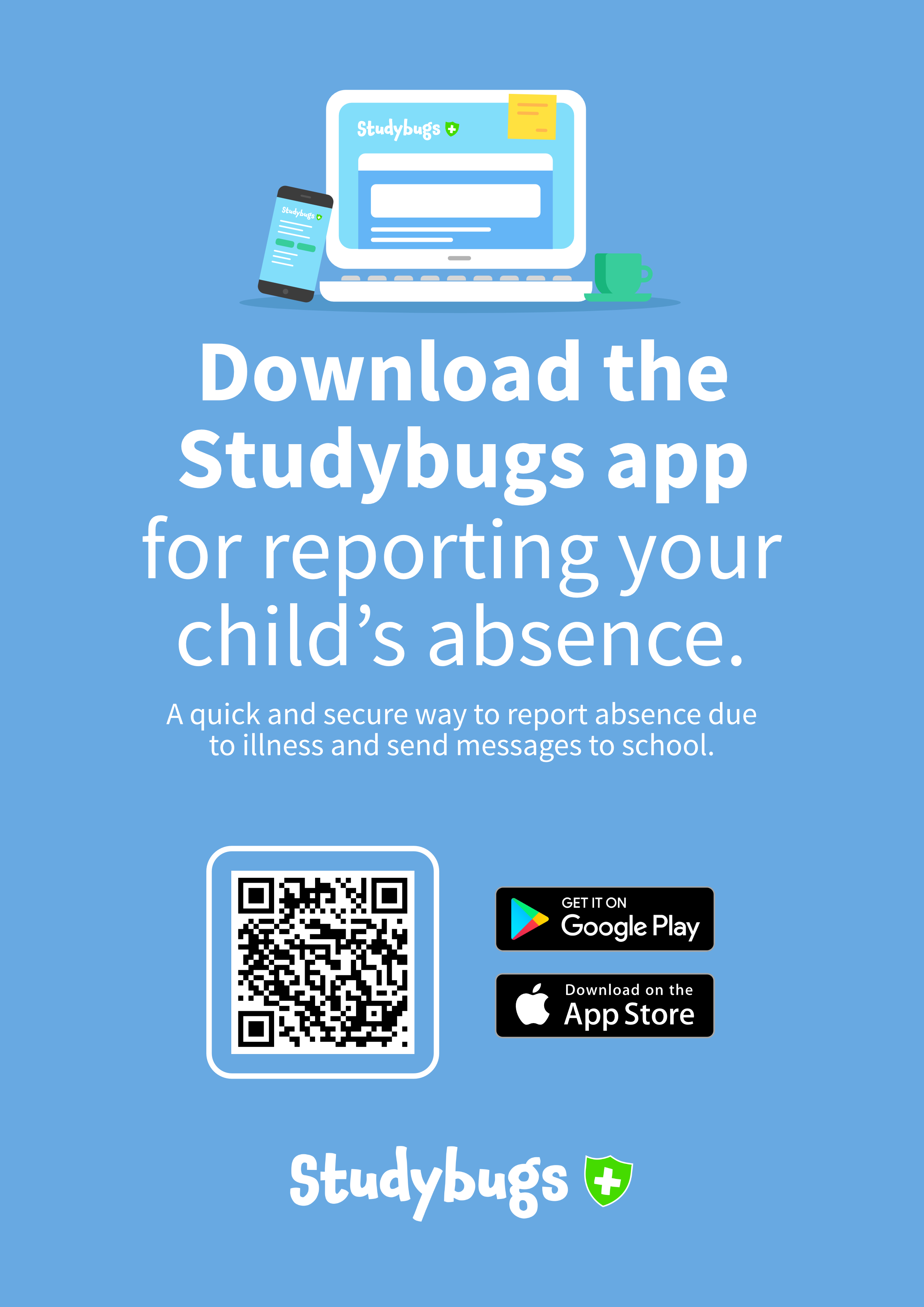
- Download the Studybugs app to your mobile device, or
- Visit the Studybugs website directly at studybugs.com
Step 1: Create your account
To register, go to the Studybugs website https://studybugs.com/register or scan the QR code below:
Check your email inbox and click the activation link you are sent to complete your setup.
Step 2: Add your child
Once logged in, click the Edit button under your name.
Add your child, or children who attend Woolmer Hill School.